- 01
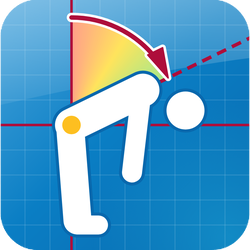
Create a Generic Video
Tap New Screening, then Generic Video. Or tap + beside an existing posture exam to add one to it.
- 02
Record
Tap Record and film your client, or an object if you are demonstrating, then tap Stop.
- 03
Find the frame
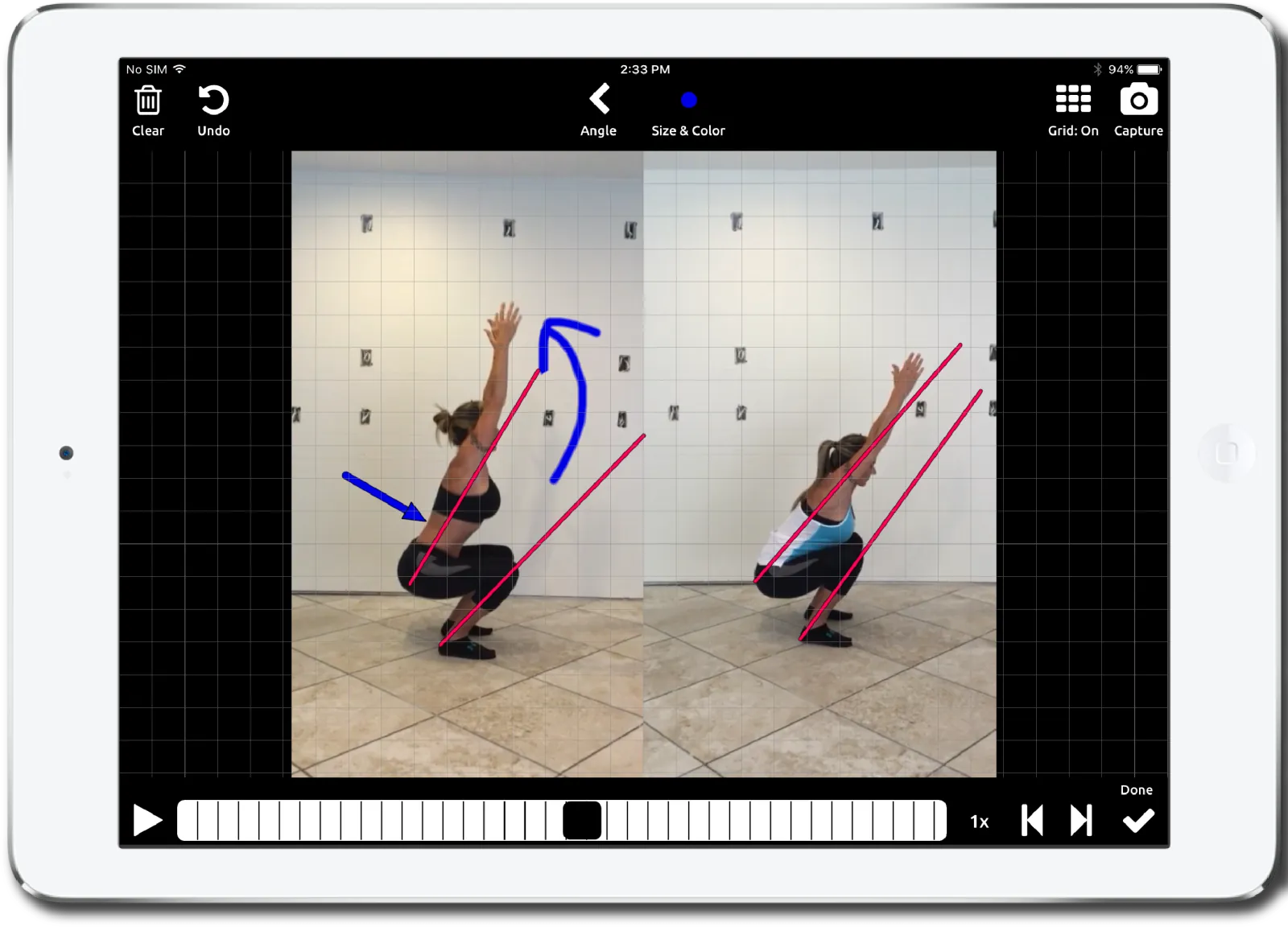
Open the video and use the scrubber to move to the frame you want to show.
- 04
Annotate
Angle (tap three points), arrow, circle, line or locked line, and freeform drawing, with the grid on or off.
- 05
Capture snapshots
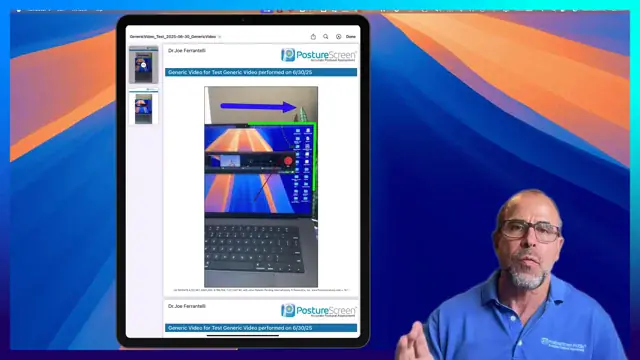
Tap Capture to save the frame with your annotations. Take as many snapshots as you need.
- 06
Include in Report
Tick Include in Report on each snapshot. In an exam, they appear under Generic Video Analysis.
PostureCo’s software tools are intended for objective postural, movement, body composition, and radiographic measurement, documentation, and education purposes. They are designed for use by fitness professionals and licensed healthcare providers. These software tools are not medical devices and are not intended to diagnose, treat, cure, or prevent any disease or medical condition. All markings, landmark placements, and digitizations, whether manual or AI-assisted, must be reviewed and validated by the professional using the software. The user remains solely responsible for all interpretations, clinical judgments, diagnoses, and treatment decisions.