






PostureRay version 22
Summary
New CBP Lateral Lumbar Predicted normal based on Pelvic Incidence NEW Report Branding – Change colors of reports and edit logo position New Normal Line thickness Change Selector New option to allow reports to flip x-rays back to Chiropractic View (Left on your reading Left) New Annotation Tools Added: Line Bisection…
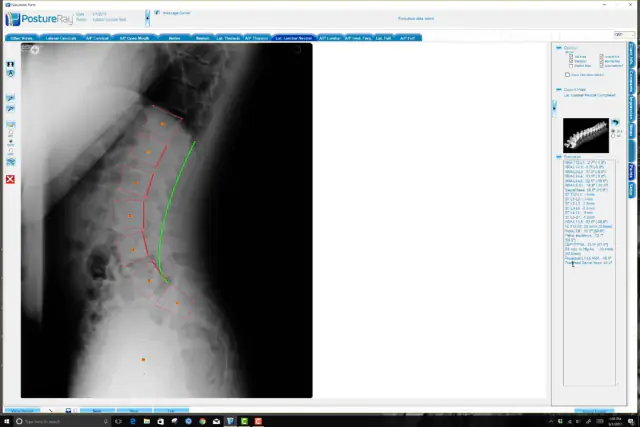
- New CBP Lateral Lumbar Predicted normal based on Pelvic Incidence
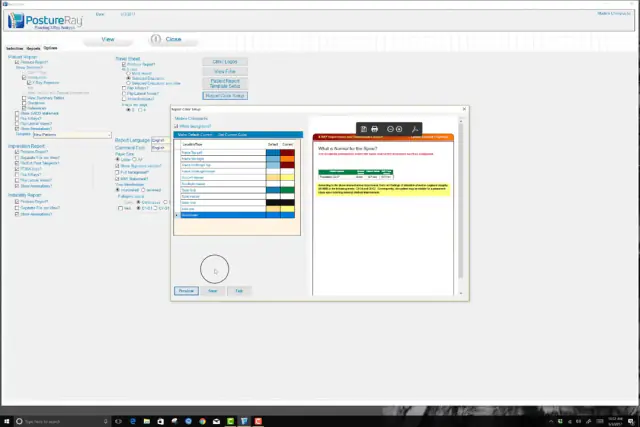
- NEW Report Branding – Change colors of reports and edit logo position
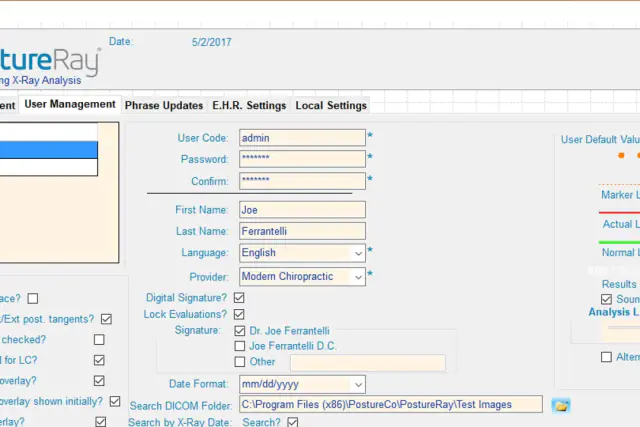
- New Normal Line thickness Change Selector
- New option to allow reports to flip x-rays back to Chiropractic View (Left on your reading Left)
- New Annotation Tools Added: Line Bisection, Draw angle and distance to horizontal or Vertical
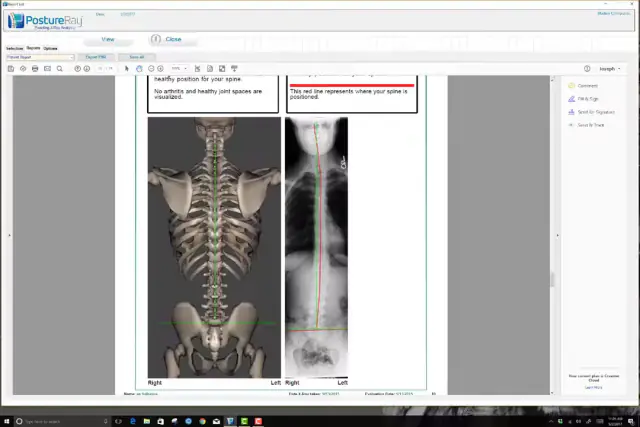
- AP and Lateral Fullspine x-rays are maximized now much and much larger in Patient and Impression Reports for better viewing when printed.
- Fixes to Digitization Auto-scrolling.
- ViewBox resizing is now available
- Warnings if Duplicate name exists in database, to avoid staff from creating multiple accounts for the same patient
- Optional Digitization Cursor
- Multiple new additional references to Impression report for better documentation
- On AP Fullspine, C2-C7 are now optional
- Ap Fullspine – added HB angle
- X-Rays Maximized in patient ROF report for AP and Lateral Fullspine
- Added endplate AMA guides lines and highlighting to Lateral Thoracic analysis
- Highlighting of lateral lumbar sacral base if S1 to Horizontal < 33 or >= 45 degrees
- CBP Ideal Values now listed in the View Results Screen in Parenthesis in evaluation form
- Multiple bug fixes and enhancements to user interface
New CBP Lateral Lumbar Predicted normal based on Pelvic Incidence
 3:06
3:06
New Branding Color Controls for Reports
 5:38
5:38
New Normal Line thickness Change Selector & Alternate Cursor
 2:05
2:05
AP and Lateral Fullspine x-rays are maximized
 2:40
2:40
Have a question?
Talk to the people who build PostureScreen and PostureRay.
PostureScreen support is by email. Live PostureRay support runs Monday through Friday, 9 AM–5 PM Eastern (excluding U.S. holidays).