





Black Screen taking Photos on Android Device
Summary
If you have a black screen while taking photos on your Android device, it is becuase insufficient access rights are allowed for PostureScreen either to the camera or to the storage of the device or both.
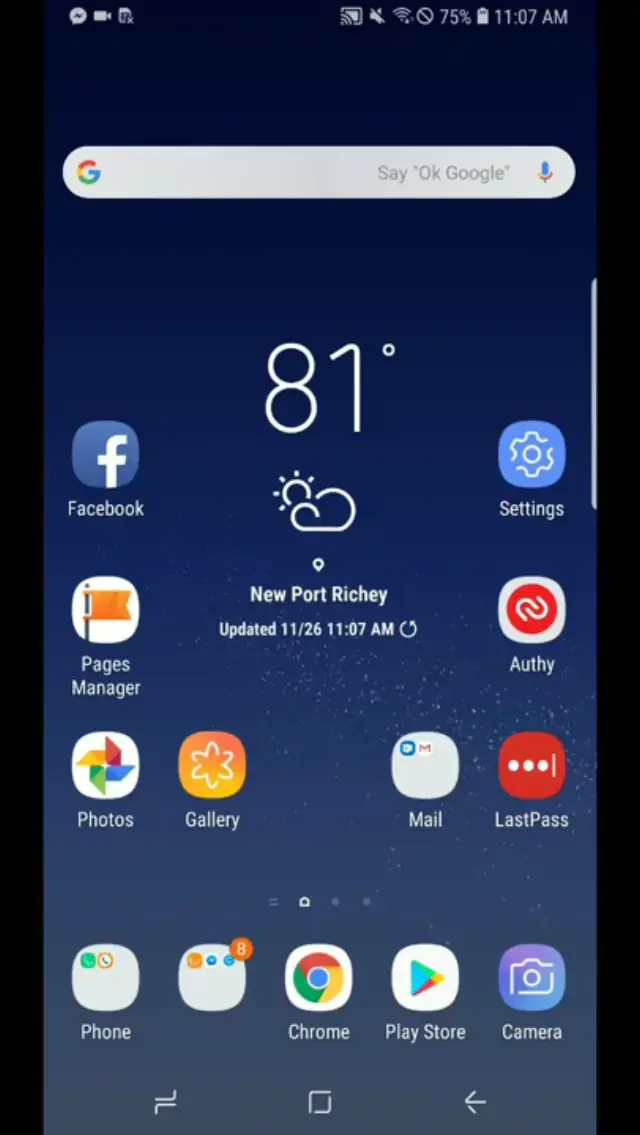
You will need to open Settings app on the Android device, browse to Apps, then search for Posture, then turn on the access.
 1:40
1:40
Related articles
-
 PostureScreen for Android
Android – Exporting digitized posture images
If you would like to export images from the Android version of PostureScreen, it is quite simple to share them to other apps or to the…
Video · 2:07
PostureScreen for Android
Android – Exporting digitized posture images
If you would like to export images from the Android version of PostureScreen, it is quite simple to share them to other apps or to the…
Video · 2:07
-
PostureScreen for Android
Comparison Module on Android
This is how to perform a comparative report on the Android version of the PostureScreen Mobile. This is a paid one time upgrade to unlock…
Video · 4:31
-
PostureScreen for Android
Deleting exams or clients from Android PostureScreen
In this tutorial we will demonstrate how to delete examinations and clients from the android version of PostureScreen.
Video · 0:45
-
PostureScreen for Android
Demographic Export Module – PostureScreen Android
In this tutorial we will review how to use the demographic export module on the Android version of PostureScreen.
Video · 2:02
-
PostureScreen for Android
Getting started with Android PostureScreen
Setting Up PostureScreen: Your First 2 View PostureScreen: Adding your letterhead Logo: Customizing Reports: Comparison Module:
Article
-
PostureScreen for Android
How to use Dropbox Integration on Android
Direct Dropbox integration has been removed from PostureScreen due to Dropbox itself wish app developers to rely on native Android sharing…
Video · 3:38
Have a question?
Talk to the people who build PostureScreen and PostureRay.
PostureScreen support is by email. Live PostureRay support runs Monday through Friday, 9 AM–5 PM Eastern (excluding U.S. holidays).